
Unlocking a suspended device
This article answers
- How do I bring a suspended tablet back?
- What is the suspension PIN?
On this page
There are two different ways that you can unlock a suspended device: Using the Suspension PIN, and sending a Remote Command.
Suspension PIN
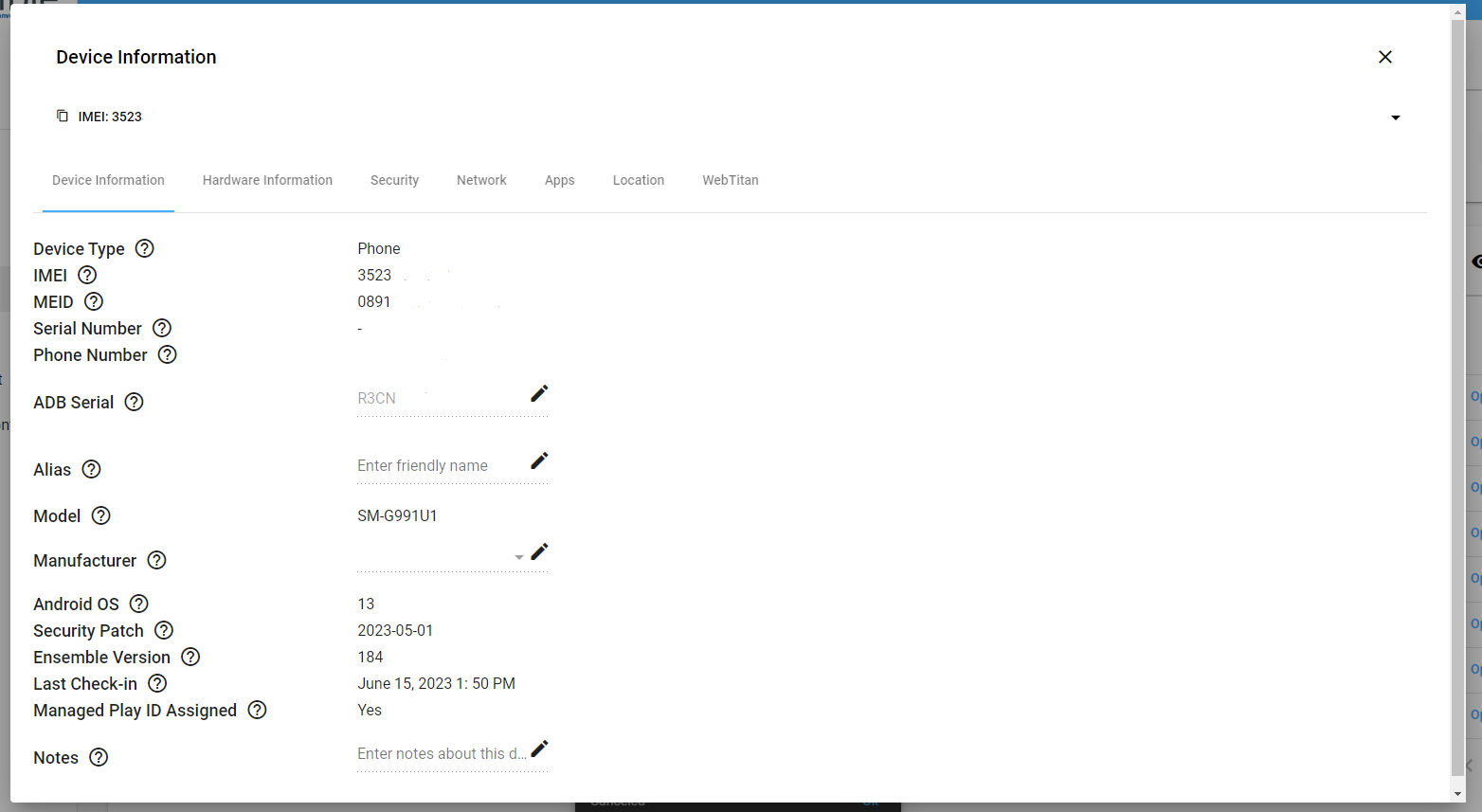
The suspension PIN can be found in the "Device Information" table. To access this table, navigate to either the Company or Project devices page. Click on the "Options" to the right of the device that you would like to unlock. Using the "Options" menu, go to "Configuration" and then "More Information". This will bring up the Device Information table. From there, side scroll to the "Security" tab. If the device is suspended, there will be a Suspension PIN available for you to use under the Security tab.
Remote Commands
For information on using remote commands to suspend or unsuspend a device, please navigate to the "Remote command suspension" section of this guide.
Still stuck?
Ask our assistant, or we'll walk you through it.