
Rugged tablets for workers where ordinary hardware fails.
- Deployment model
- Procure · Provision · Support
- Connectivity
- LTE / 5G with carrier flexibility
- Focus sectors
- Logistics · Construction · Field Services
Built to take the hit — see every angle.
A quick look at the kit before we get into the deployment story below.
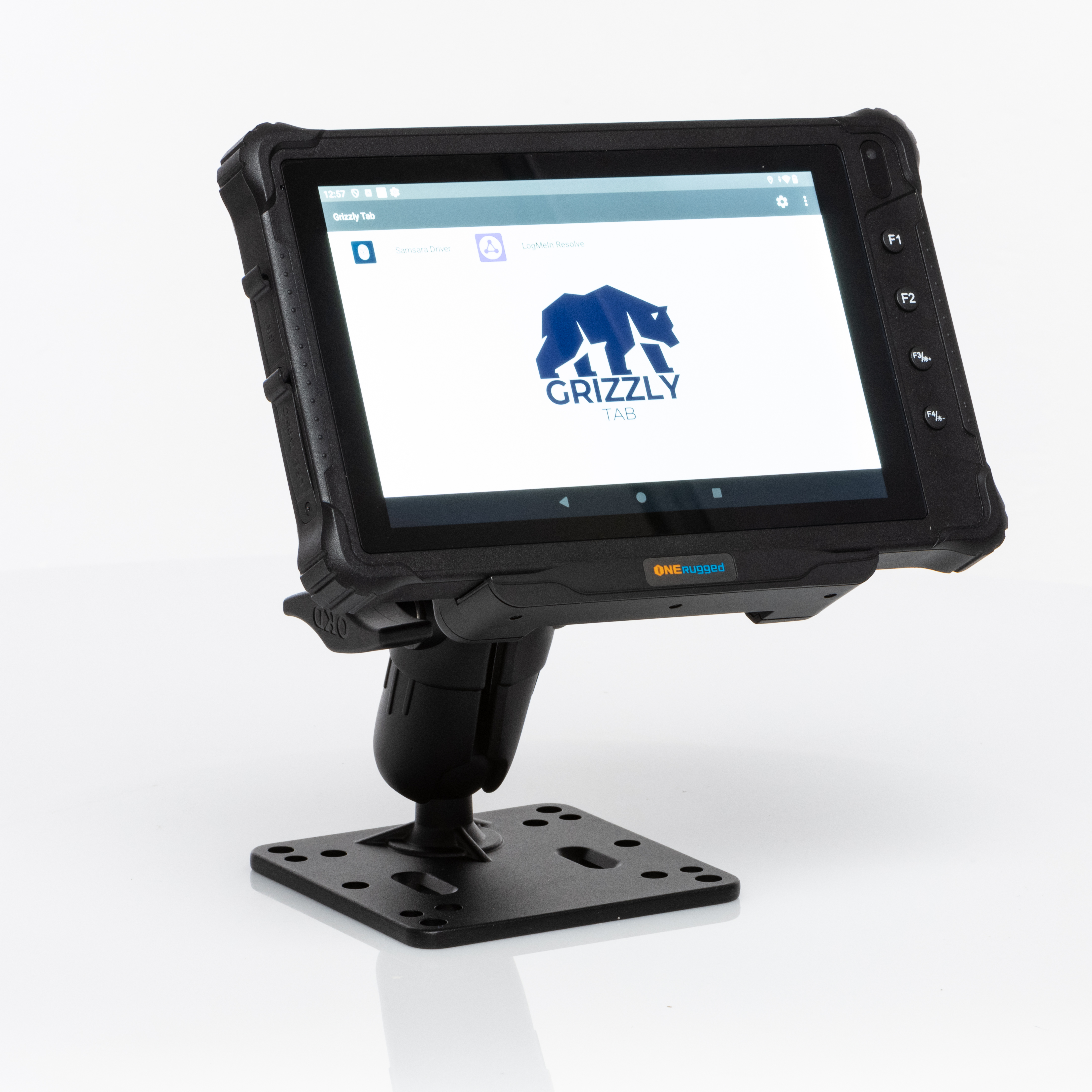

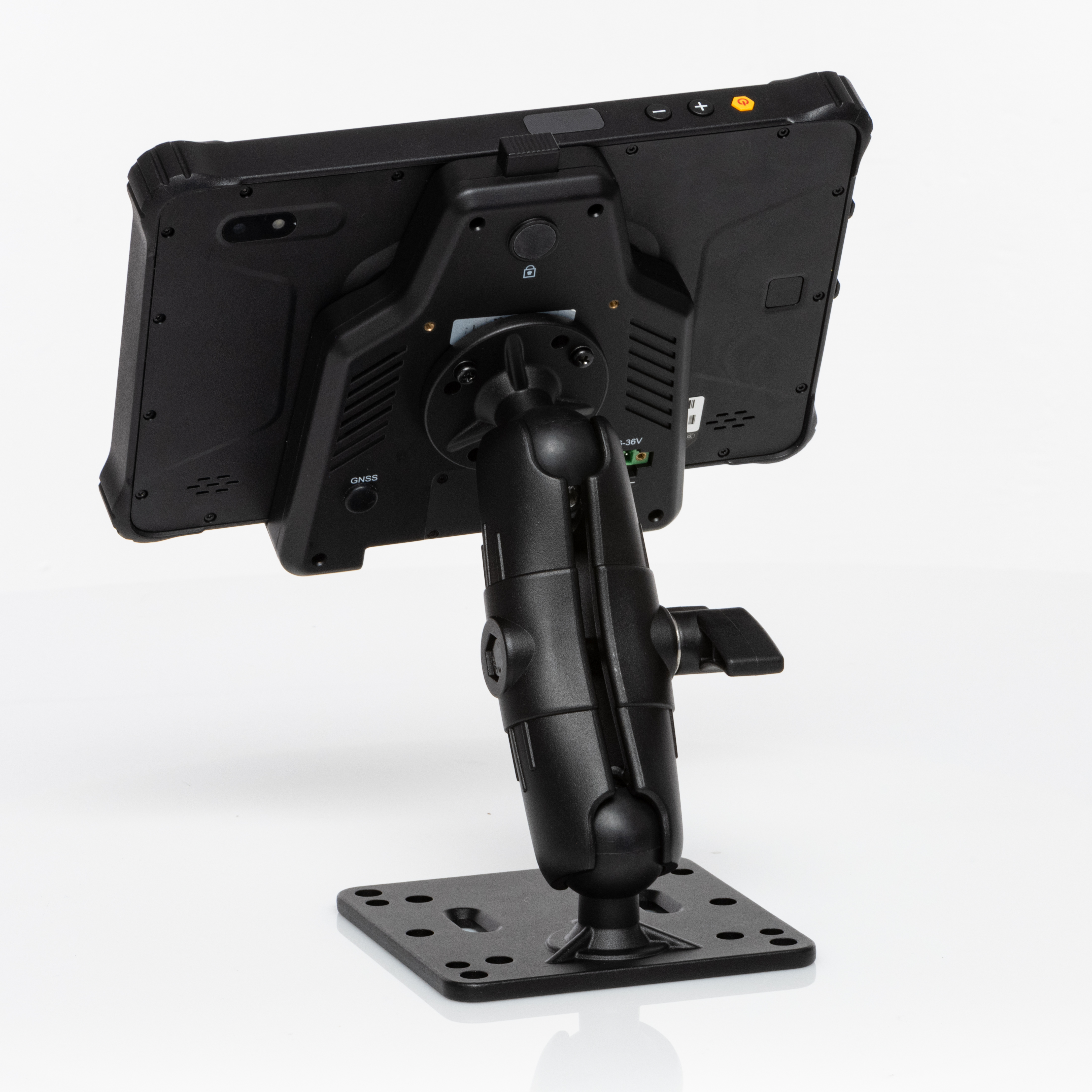
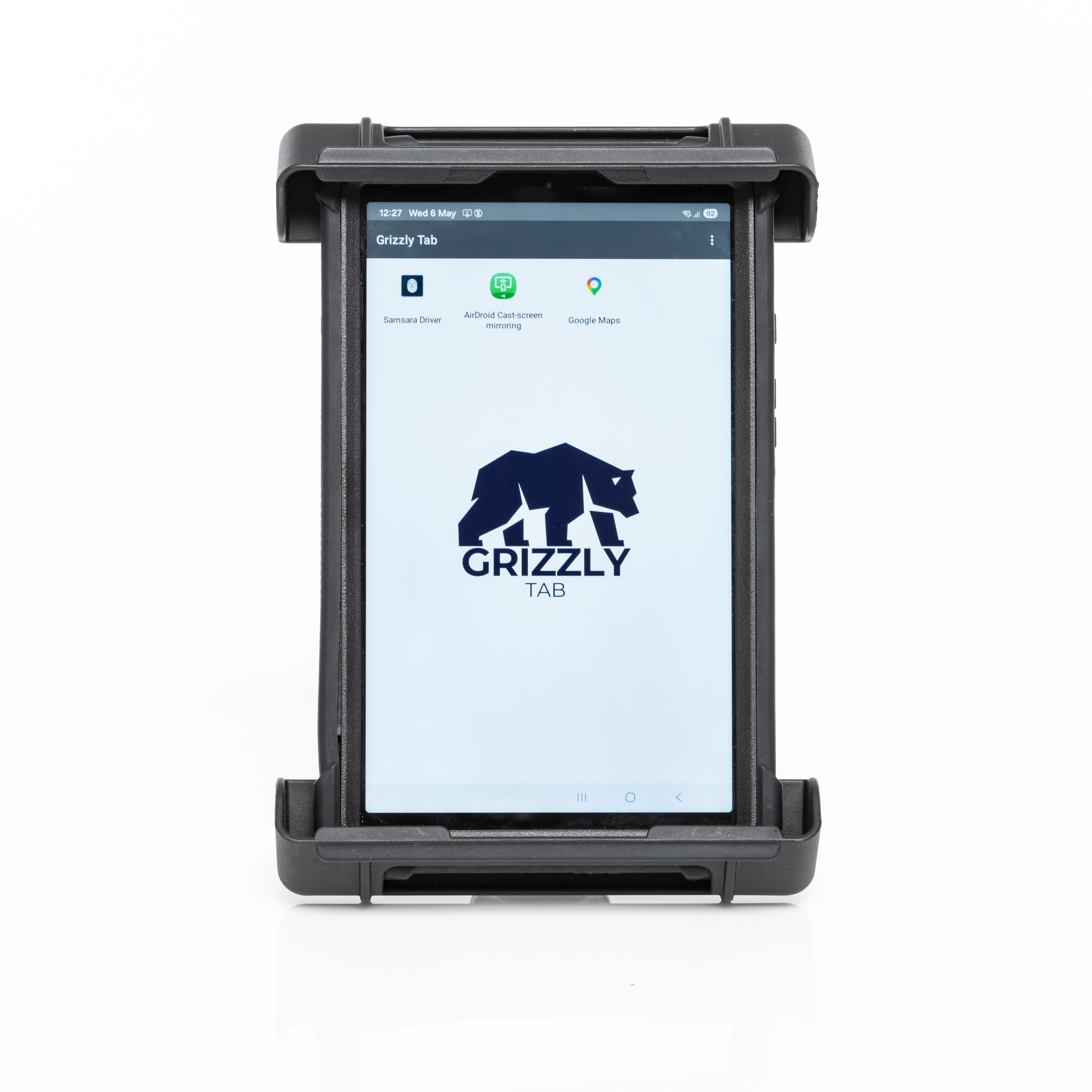


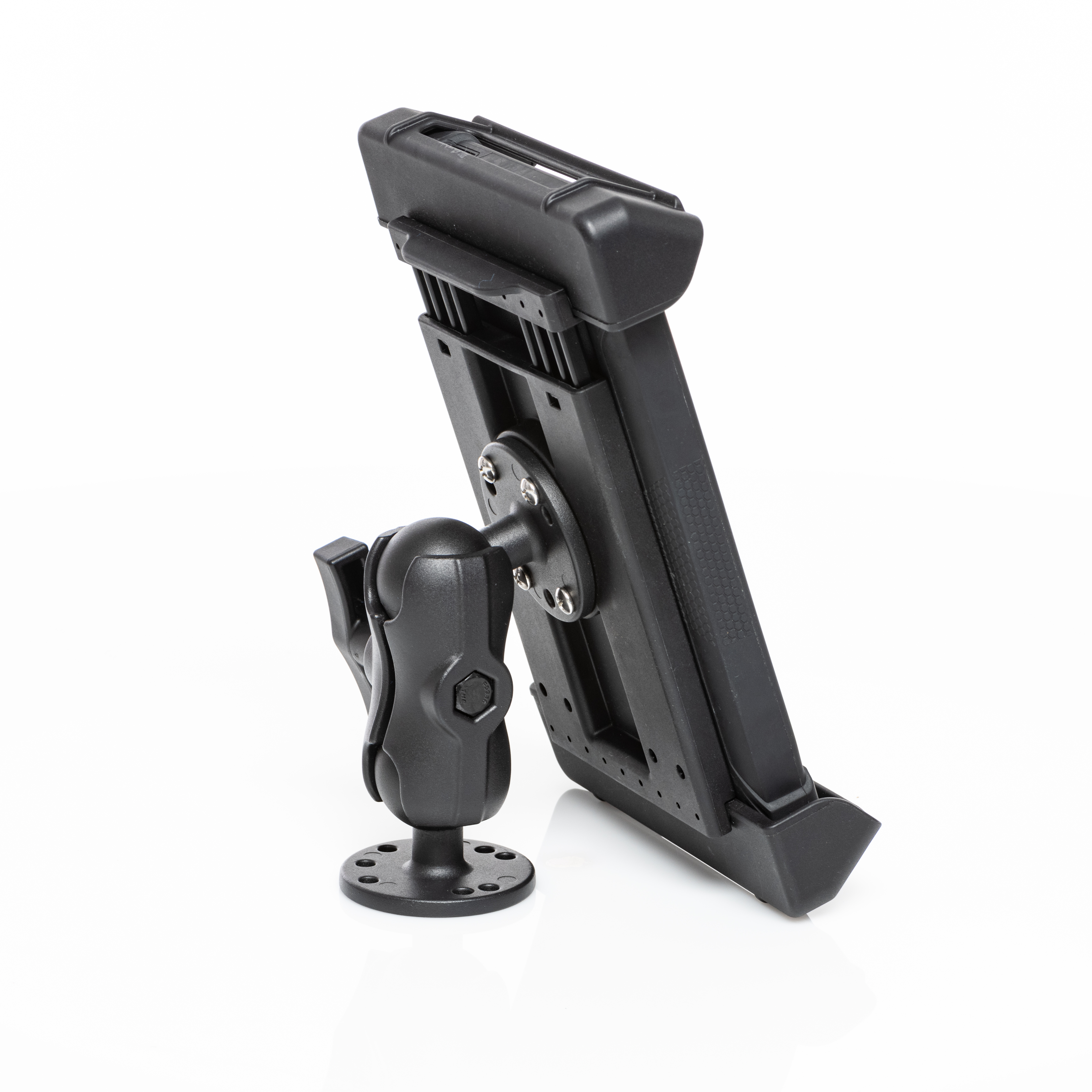
Rugged Hardware Procurement
Source tablets with ultra-rugged cases, Samsung units, and purpose-built accessories from one deployment partner.
MDM Enrollment & Lockdown
Provision tablets with role-based apps, kiosk modes, geofencing, remote support, and compliance controls before day one.
Mounts, Docks & Vehicle Fit-outs
Install mounts, charging docks, antenna passthrough, and cab-ready configurations that survive daily abuse.
Secure LTE / 5G Connectivity
Choose the right carrier mix, failover strategy, and data plan structure for crews that cannot afford dead zones.
What happens after a buyer says yes.
A deployment-first sequence: spec the stack, provision every unit, ship ready-to-use kits, and support the team as it scales.
- 01
Spec the stack
Choose the hardware, carriers, mounts, and management rules for your exact workflow.
- 02
Provision every device
Preload apps, lock settings, label assets, and prepare each tablet for the crew receiving it.
- 03
Ship deployment-ready kits
Send ready-to-use units to the yard, warehouse, branch, or technician with minimal setup overhead.
- 04
Support the rollout
Handle updates, troubleshooting, swaps, and scaling without breaking the operational rhythm.